A property portal lives or dies on three things: whether buyers can find the right listing in a few taps, whether the listings they find are still available, and whether the enquiry they send reaches someone who replies. Everything else, from the logo to the blog, matters far less.
This guide is for founders and agencies planning a property portal: a site where many listings, and often many agents or developers, sit in one searchable place. It covers how search and filters should work, how listings get in and stay fresh, how enquiries should flow, what it costs in 2026 and how long it takes.
Portal or agency website: which are you building?
The two get confused, and the confusion is expensive.
- **An agency website** shows one agency’s listings, managed by its own staff. Search matters, but the catalogue is small and the team controls every listing. We cover that build in real estate website features that generate enquiries.
- **A property portal** aggregates listings from many agents, owners or developers. It needs accounts for each lister, rules about what can be published, a search engine that copes with thousands of listings, and an enquiry system that sends each lead to the right lister.
If you are a single agency, you probably need the first. If your business model is “list your property with us”, you are building the second, and this guide is for you.
Search: the feature buyers judge you on
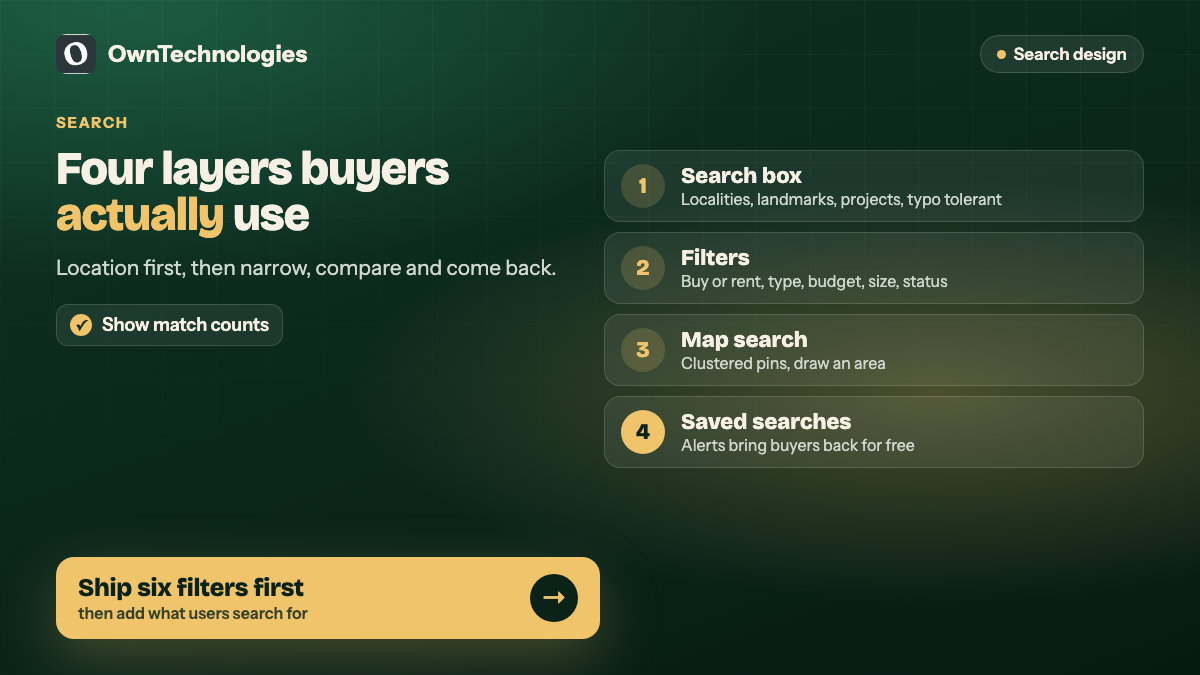
Buyers do not browse a portal. They search, narrow, compare and leave. A good search experience has four layers.
1. The first search box
Most visitors start with a location. The search box should understand localities, sectors, landmarks, project names and pin codes, with suggestions as they type. “Sector 54”, “Golf Course Road” and a project name should all work. Spelling tolerance matters more than people expect, because users type fast on phones.
2. Filters that match how people decide
Filters should follow the real decision, in the order buyers think about it:
- Buy or rent
- Property type (apartment, villa, plot, office, shop, coworking)
- Budget range
- Bedrooms or size
- Ready to move or under construction
- Furnishing, parking, pets allowed and other practical needs
Show the number of matching listings as filters change. Nothing frustrates a buyer more than applying five filters and getting zero results with no hint about which one to relax.
3. Map search
Map search is the second most used way to search on most portals. Draw a boundary, see pins, tap a pin for a card. It needs careful work on clustering, so a dense area does not show 400 overlapping pins, and on cost, because map providers charge by usage. Check current rates on the Google Maps Platform pricing page before you plan map-heavy features.
4. Sorting and saved searches
Sort by newest, price and relevance. Then let signed-in users save a search and get an alert when a new match is listed. Saved searches with alerts are the feature that brings buyers back without paid ads.
The search engine behind it
For a portal with a few hundred listings, the database’s built-in search is enough. PostgreSQL, for example, has solid full-text search built in.
Once you have thousands of listings, many filters and map queries, a dedicated search engine such as Elasticsearch, OpenSearch or a hosted equivalent becomes worth it. It handles typo tolerance, filter counts and geo search quickly. It also adds hosting cost and one more system to maintain, so do not start there if you do not need it.
| Listings | Search setup | Why |
|---|---|---|
| Under 2,000 | Database search with good indexes | Cheaper, simpler, fast enough |
| 2,000 to 50,000 | Dedicated search engine | Typo tolerance, fast filter counts, geo queries |
| 50,000 plus | Search engine plus caching and a data pipeline | Freshness and speed at scale |
Listings: getting them in and keeping them fresh
A portal with stale listings loses buyers fast. The listing side is where most of the real engineering sits.
How listings arrive
- **Self-service by agents and owners.** A listing form with photos, floor plans, price, features and location on a map.
- **Bulk upload.** A spreadsheet or CSV import for developers and large agencies with many units.
- **Feeds.** In some markets, automatic import from an agency’s existing software or a listing feed.
Rules that keep quality up
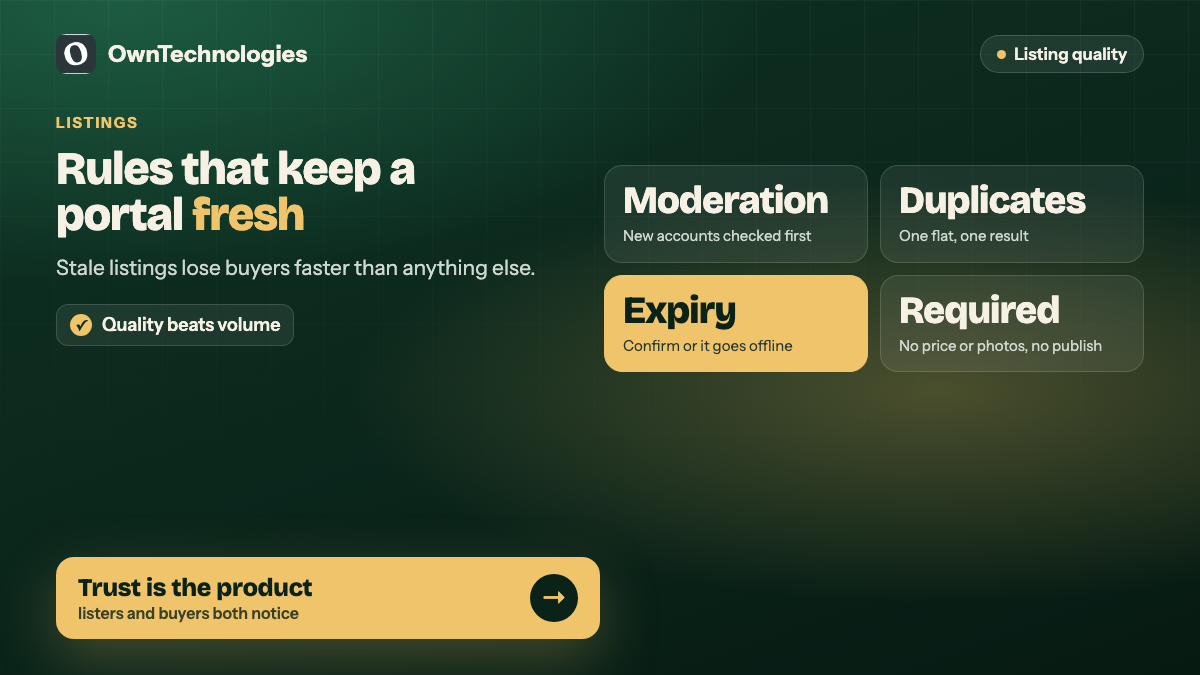
- **Moderation queue.** New listings from new accounts are checked before going live.
- **Duplicate detection.** The same flat listed by three agents should not show as three results.
- **Expiry.** Listings expire after a set period unless the lister confirms they are still available.
- **Required fields.** No price, no photos, no publish.
- **Verified badges.** For listers who have completed checks, if your market supports it.
Listing pages built to convert
The listing page does one job: get a serious buyer to enquire. It needs large photos that load fast on a phone, price and key facts above the fold, a map and nearby places, the lister’s name and response time, and one clear enquiry button that stays visible while scrolling.
Add structured data so search engines understand the page. The schema.org vocabulary includes a RealEstateListing type for exactly this.
Enquiries: where portals earn or lose trust
An enquiry is the product a portal really sells to listers. Treat it that way.
- **Short forms.** Name, phone, and one or two qualifying questions such as budget or move-in date. Every extra field loses enquiries.
- **WhatsApp and call options** alongside the form, tracked so you know which listing produced the lead.
- **Instant routing** to the right lister, with an email and app notification.
- **Response time tracking.** Show listers how fast they reply, and use it in ranking if you can.
- **Lead stamping.** Every lead keeps its source listing, campaign and date.
What happens after the lead lands is its own topic. We cover it in why portal leads die in your CRM.
SEO for a portal: the filter trap
Portals can rank very well for searches like “2 BHK flats for rent in Sector 54”, because each locality and type combination can have its own page. The trap is filters. Every filter combination can create a new URL, and search engines can waste their time crawling millions of near-identical pages.
Decide early which combinations deserve indexable landing pages (locality, type, buy or rent) and keep the rest out of the index. Google explains the issue in its guidance on managing faceted navigation.
Dashboards for listers and admins
For agents, owners and developers
- My listings with status, views and enquiries
- Enquiry inbox with contact details and source
- Bulk upload and edit
- Plan or credits, if you charge for listings or featured placement
For your team
- Moderation queue and reported listings
- Lister accounts, verification and plans
- Locality and project database
- Reports: listings, enquiries and response times by area and lister
What a property portal costs in 2026
These are planning ranges for an experienced offshore or hybrid team, not quotes. Your listing volume, number of lister types and map features move the number most.
| Scope | What it includes | Cost | Timeline |
|---|---|---|---|
| Single agency search portal | Listings from one agency, filters, map search, saved searches, enquiry forms | $10,000 to $25,000 (around 8.5 to 21 lakh INR) | 6 to 10 weeks |
| Multi-lister portal MVP | Agent and owner accounts, listing forms, moderation, enquiry routing, lister dashboard | $25,000 to $50,000 (around 21 to 42 lakh INR) | 3 to 5 months |
| Full marketplace | Above plus mobile apps, paid plans, featured listings, CRM, advanced search at scale | $50,000 to $90,000 and up (around 42 to 75 lakh INR and up) | 5 to 8 months |
Running costs come on top: hosting, the search engine, map usage, SMS or WhatsApp notifications, image storage, and maintenance at around 15 to 20 percent of the build cost each year. For a general view of how website budgets are built, see our custom website development cost guide.
A real example: Coviq
Coviq is a Gurugram workspace dealer. Its website helps freelancers, startups and teams find hot desks, private offices, meeting rooms and day passes at partner properties in DLF Phase One, Platina Tower and Vatika Triangle, then coordinates tours through to handover.
The same problems apply at small scale: explaining that Coviq is a dealer and not the building owner, keeping several workspace types and hubs from becoming a cluttered catalogue, and capturing qualified enquiries with team size, location and workspace type rather than empty browsing. You can see the project in our Coviq case study.
Mistakes we see most often
- **Building the marketplace before you have listings.** Start with one city or one segment and fill it.
- **No expiry rules.** Stale listings destroy trust faster than anything else.
- **Too many filters on day one.** Ship the six that matter, then add what users search for.
- **Ignoring map costs.** Heavy map use can surprise you on the monthly bill.
- **Letting every filter URL into Google.** Plan indexable pages from the start.
- **Enquiries that go to a shared inbox nobody owns.** Route them, and measure response time.
Frequently Asked Questions
In 2026 a single agency search portal costs about $10,000 to $25,000, a multi-lister portal MVP about $25,000 to $50,000, and a full marketplace with apps and paid plans $50,000 to $90,000 or more, with an experienced offshore or hybrid team.
A single agency search portal takes 6 to 10 weeks. A multi-lister MVP takes 3 to 5 months, and a full marketplace 5 to 8 months including mobile apps.
Buy or rent, property type, budget, bedrooms or size, ready or under construction, and a few practical filters such as furnishing and parking. Add more based on what users search for.
Not at the start. Database search is enough for a few thousand listings. A dedicated search engine is worth it once you have many listings, many filters and map search.
Set listings to expire unless the lister confirms availability, run a moderation queue for new accounts, detect duplicates, and show listers their enquiry response times.
Yes. Locality and property type pages can rank well, as long as you choose which filter combinations are indexable and keep the rest out of the index.
Final Thoughts
A property portal is a search product first and a website second. Get search, filters, fresh listings and fast enquiry routing right, and buyers come back. Launch in one city or segment, measure enquiries and response times, then grow.
Planning a property portal or listing marketplace? Our website development team builds the portal and search, our CRM team builds the lead routing and lister dashboards behind it, and our app development team adds mobile apps when you are ready. Book a free consultation and we will scope your first version with you.