Most salons and spas do not choose booking software once. They choose it, outgrow it or get annoyed by it, and then discover that leaving is harder than arriving. The subscription was never the expensive part. The lock-in was.
This guide is about that second decision: what you actually own when you are on a booking platform, what you can take with you, and when building your own system genuinely makes sense instead.
The real build versus buy question
Framed as “should we build or buy”, the answer is almost always buy. Off-the-shelf booking platforms are mature, cheap to start, and no salon owner wants to fund a software project.
The more useful question is narrower: what happens in year three, when you have four locations, a client list worth more than the fit-out, and a platform that has raised its price or dropped the one feature your front desk depends on.
That is when ownership starts to matter, and it is worth knowing the answer before you need it.
What you own, and what you only rent
| Asset | Usually yours | Usually not |
|---|---|---|
| Client names and contact details | Exportable, sometimes as CSV | Rarely blocked |
| Appointment history | Sometimes exportable | Often summary only |
| Service notes and client photos | Varies widely | Frequently stuck |
| Online reviews on the platform | No | Stay with the platform |
| Your booking page URL and SEO | No | Belongs to their domain |
| Stored card details for deposits | No | Held by their payment processor |
| Automated reminder templates | No | Rebuild them elsewhere |
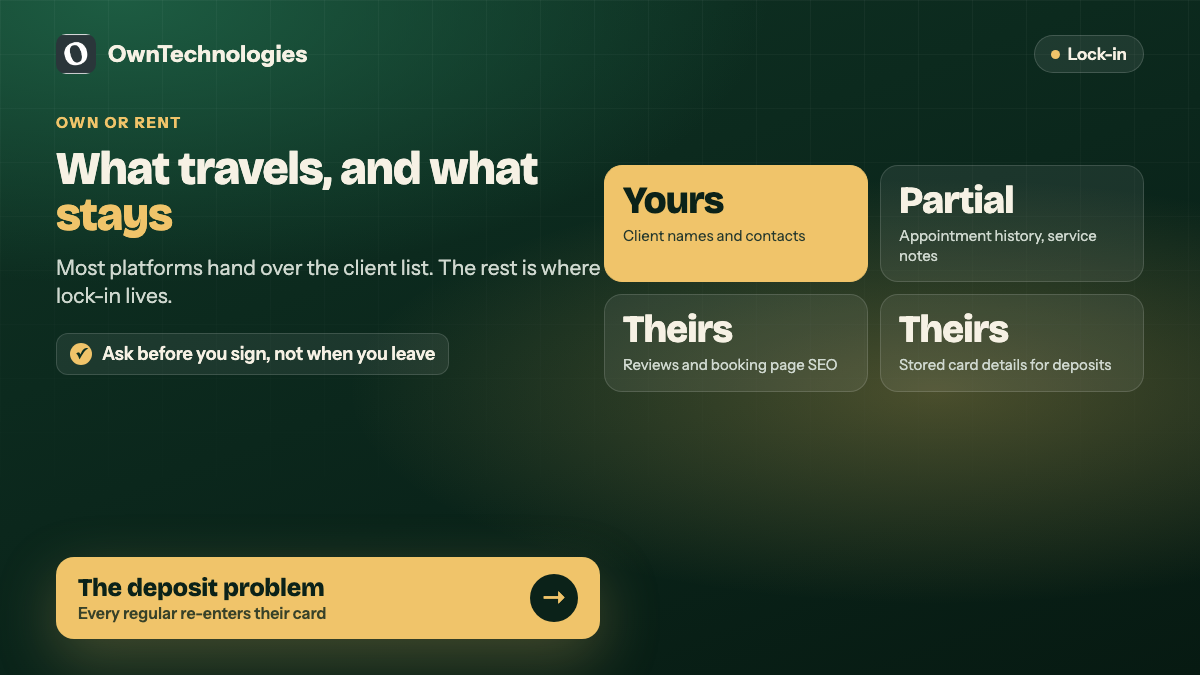
Read that middle column carefully. Most platforms will give you a client list, which feels reassuring. The things that quietly keep you in place are the ones underneath: the booking page that ranks in Google under their domain, the saved cards you would have to ask every client to re-enter, and the review history that does not travel.
The deposit problem nobody mentions
If you take deposits or hold cards against no-shows, those card details sit with your platform’s payment processor, not with you. Moving means every regular client has to re-enter payment details, and a meaningful share will not bother.
Ask any prospective platform one question before you sign: if we leave, can our card tokens be migrated to another processor? The answer is usually no, although it is not a technical impossibility. Stripe, for example, documents a card data migration process between PCI compliant providers. Whether your platform will actually run it for a departing customer is a different question, and the answer is the one that matters. Knowing it in advance is worth more than a discount.
When off-the-shelf is clearly the right call
Buy, without hesitation, if most of these are true:
- One or two locations, under about fifteen staff
- Standard services with standard durations
- No unusual pricing rules, packages or memberships
- You want to be taking bookings this month, not next quarter
- Nobody on the team wants to own a software relationship
For this profile a custom build is a bad use of money, and our guide to booking and appointment software for service businesses covers the feature comparison in more detail. Monthly fees of $30 to $120 (roughly 2,500 to 10,000 INR) buy you something that works on day one, and the lock-in risk is small because your operation is simple enough to move.
When building your own starts to make sense
The case changes when the platform stops fitting rather than when it gets expensive. Signs worth taking seriously:
- Your front desk keeps a parallel system. A spreadsheet, a notebook or a WhatsApp group exists because the software cannot represent how you actually work.
- You are paying per staff member across multiple locations and the monthly number has quietly passed what a small build would amortise to.
- A core rule of your business cannot be expressed. Memberships that pause, packages shared between family members, therapists qualified for some services at some branches only.
- You want the booking flow to live on your own domain, for SEO and for brand, rather than redirecting clients to someone else’s page.
- Client data is becoming an asset you want to use, and the platform’s export is too thin to be useful.
Two or three of these is a conversation. One of them on its own usually is not, and it is worth being honest about which category you fall into before anyone writes a proposal. Plenty of salons talk themselves into a build on the strength of a single annoying limitation, then spend three months rebuilding things the platform already did well.
What a custom booking system costs
A realistic range for a salon or spa chain, built properly rather than cheaply:
| Scope | Typical cost | Timeline |
|---|---|---|
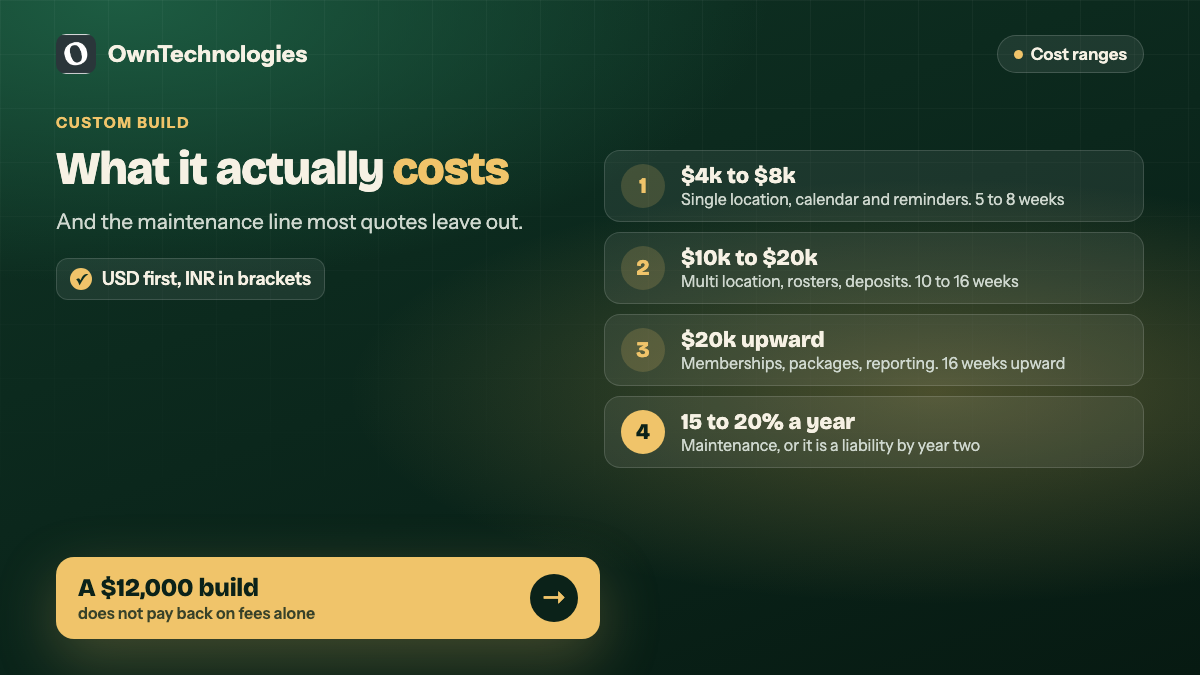
| Booking on your own site, single location, calendar and reminders | $4,000 to $8,000 (3.5 to 6.5 lakh INR) | 5 to 8 weeks |
| Multi location, staff rosters, services matrix, deposits | $10,000 to $20,000 (8 to 16 lakh INR) | 10 to 16 weeks |
| Add memberships, packages, inventory and reporting | $20,000 upward (16 lakh INR upward) | 16 weeks upward |
Add hosting, a payment gateway’s per-transaction fee, and maintenance of roughly 15 to 20 percent of build cost per year. Against a platform at $100 a month, a $12,000 build does not pay back quickly on fees alone. It pays back on the things fees do not measure: no per-seat pricing as you add staff, a booking page that builds your own domain authority, and rules that match your business.
The middle path most salons should consider first
Before committing either way, there is an option that gets overlooked: keep the platform for scheduling, and own the front door.
Build your own booking page on your own domain, with your branding and your service descriptions, and have it write into the platform through its API. You get the SEO and the brand experience, the platform keeps doing the operational heavy lifting, and your switching cost drops because the client-facing layer is already yours.
Not every platform exposes an API that makes this possible, which is itself a useful thing to check before you sign. We took a similar approach on a venue business, described in how Urban Venue handles enquiries, where owning the enquiry flow mattered more than owning the whole calendar.
Questions to ask before choosing any platform
- Can we export client details, appointment history and service notes, in what format, and is there a fee?
- Can stored card tokens be migrated to another processor if we leave?
- Is there an API we can book into from our own website?
- Is pricing per location, per staff member or flat, and what happens when we double?
- Who owns reviews collected through your system?
- What happens to our data if we stop paying?
An honest vendor answers these in a sentence each. Hesitation on the export question tells you what you need to know.
Frequently Asked Questions
Usually not. For one location with standard services, an off-the-shelf platform at $30 to $120 a month will do the job better and sooner than anything custom at that budget. The case for building starts at multiple locations or unusual business rules.
Five to eight weeks for a single location with calendar, staff and reminders. Ten to sixteen weeks once you add multiple branches, rosters and deposits. Scope decides this far more than technology does.
Client names and contact details are almost always exportable. Appointment history is sometimes partial, service notes and photos are frequently stuck, and reviews and stored card details normally do not transfer at all.
Embed the platform’s widget on your site. It is quick and costs nothing extra, but the booking itself still happens on their domain, so the SEO benefit stays with them. Building your own page against their API is the step up from that.
Yours, if you care about search traffic. A booking page on your own domain builds authority for your salon’s name and service terms. On their subdomain, that value accrues to the platform.
Plan for 15 to 20 percent of the build cost per year for maintenance, plus hosting and payment gateway fees. A system nobody maintains becomes a liability within about two years.
Final Thoughts
Build versus buy is the wrong frame for most salons and spas. Buy, almost certainly, but go in knowing which parts of the arrangement you own and which you are renting, and make the choice with the exit in mind rather than the onboarding.
If you are weighing a platform against a custom build and want someone to look at the numbers for your specific setup, talk to us. We will tell you honestly when the platform is the better answer. You can also see our website development and CRM development work, or browse the portfolio.