Most small business websites are not hacked by someone who chose them. They are hacked by automated scripts that try the same old plugin flaw or the same weak password on thousands of sites a day, and yours happened to answer.
That is actually good news. It means you do not need a security team to stay safe. You need a short list of basics, done properly and checked regularly. This checklist covers exactly that: what to do, how often, who should own it, and what it costs.
Why small business websites get attacked
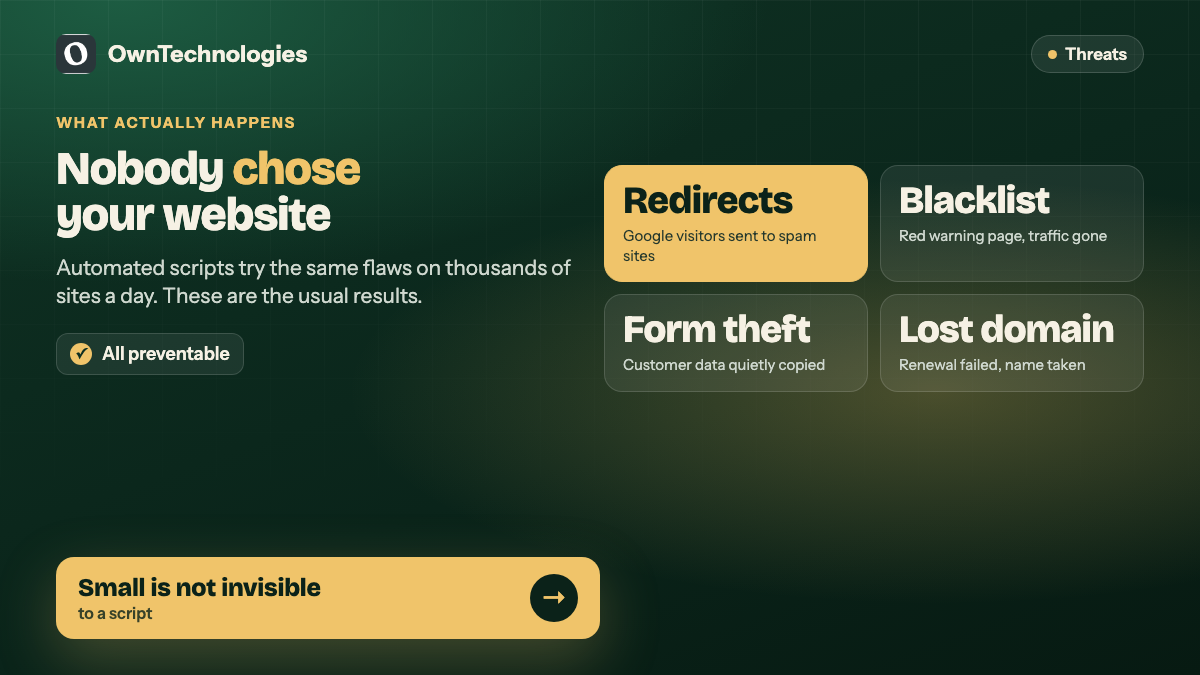
Owners often assume nobody would bother with a ten-page site for a dental clinic or a bakery. The attacker is not bothering, though. A script is. It scans the web for a known weakness, gets in where it can, and then uses the site for something else: sending spam, hosting phishing pages, redirecting your visitors to gambling or pharmacy sites, or injecting links that wreck your search rankings.
We have seen all of these on real client and prospect sites. The most common outcomes for a small business are:
- **Spam redirects.** Visitors from Google land on a casino or pill site instead of yours. You often do not notice, because typing your own address directly still works.
- **Blacklisting.** Browsers and Google show a red warning page, and your traffic disappears overnight.
- **Stolen form data.** Contact or booking forms quietly copy what customers type.
- **A lost domain.** Not a hack at all: the renewal card expired and someone else registered the name.
None of these require a sophisticated attacker. All of them are prevented by the checklist below.
The website security checklist at a glance
| Check | How often | Who owns it | Effort |
|---|---|---|---|
| HTTPS on every page | Once, then auto-renew | Developer or host | 30 minutes |
| Core, theme and plugin updates | Weekly | Developer | 15 minutes |
| Remove unused plugins and themes | Quarterly | Developer | 30 minutes |
| Strong passwords and two-factor login | Once, then per new user | Owner | 20 minutes |
| User accounts audit | Quarterly | Owner | 10 minutes |
| Off-site backups, tested | Daily backups, quarterly test | Developer or host | 1 hour to set up |
| Form spam and bot protection | Once | Developer | 1 hour |
| Domain auto-renew and registrar lock | Once, check yearly | Owner | 15 minutes |
| Uptime and malware monitoring | Continuous | Developer or tool | 30 minutes to set up |
| Security headers and file permissions | Once | Developer | 1 to 2 hours |
The rest of this post explains each line, and what goes wrong when it is skipped.
The ten checks in detail
1. HTTPS on every page, with no warnings
Every page should load over HTTPS with a padlock and no “Not secure” label. That includes the contact page, the booking page and every old blog post. Certificates from Let’s Encrypt are free and most hosts renew them automatically.
Two things to check:
- Typing your address with plain http should redirect to https automatically.
- No page should show a “mixed content” warning, which happens when an https page loads an image or script over http.
If your site still loads on plain http, fix this first. Browsers flag it, visitors notice, and any form on the page is sending data unencrypted.
2. Keep the software updated, every week
Out-of-date plugins are the single most common way small sites get in trouble. Once a vulnerability in a popular plugin is published, automated scans start looking for sites that have not patched it.
What “updated” means in practice:
- Security releases applied within days, not months.
- Feature updates applied monthly, tested on a staging copy first so an update does not break your booking form on a Friday night.
- Your server’s PHP version on a supported release, not one that reached end of life years ago.
If you run WordPress, the official WordPress hardening guide is worth reading once. Most of it is exactly this: update, remove what you do not use, and restrict who can log in.
3. Remove what you do not use
Every plugin and theme is code that can have a flaw. A deactivated plugin still sits on the server and can still be exploited. The same goes for old staging copies left at addresses like /old/ or /test/, which are rarely updated and often forgotten.
Once a quarter, delete:
- Plugins that are deactivated
- Themes other than the active one and one default fallback
- Old copies of the site in subfolders
- Contact form tools you replaced and never removed
4. Strong passwords and two-factor login
Bots try common passwords against login pages all day. Two-factor authentication stops almost all of that, because a stolen or guessed password alone is no longer enough.
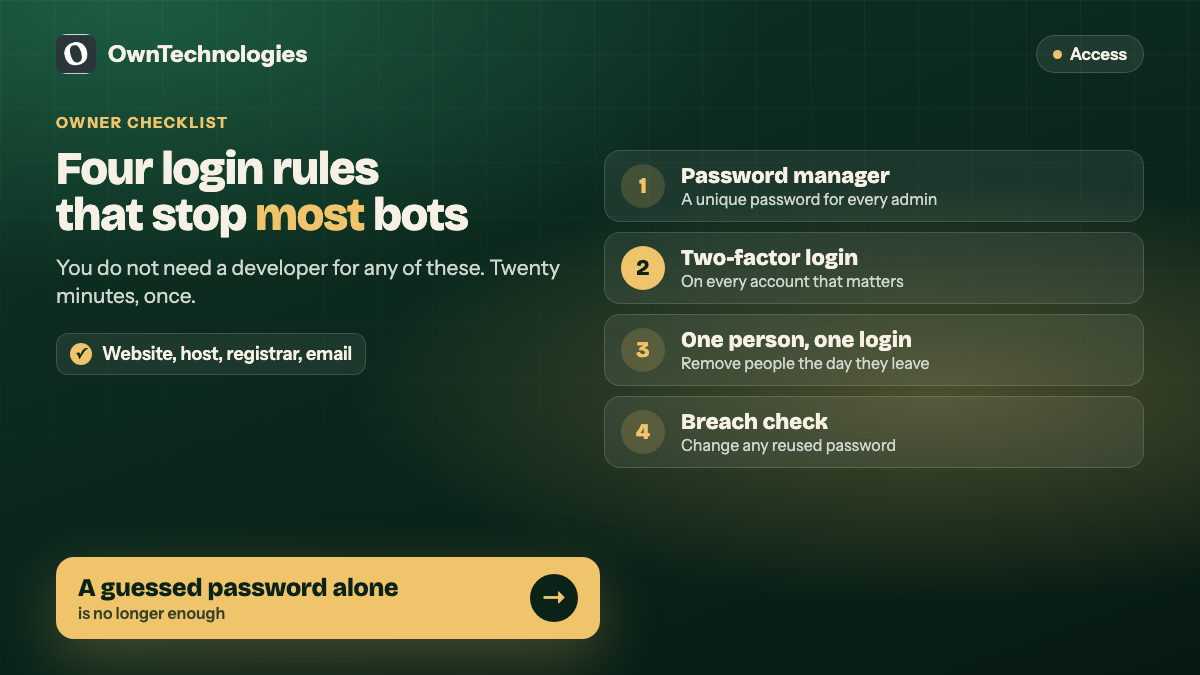
The owner’s checklist:
- Every admin uses a unique password from a password manager.
- Two-factor login is switched on for every admin account, the hosting panel, the domain registrar and the business email.
- Nobody shares a login. Each person gets their own account so it can be removed when they leave.
- Check whether your business email has appeared in a known breach at Have I Been Pwned, and change any reused password straight away.
The US Cybersecurity and Infrastructure Security Agency’s Secure Our World guidance gives the same advice for small organisations: strong passwords, multi-factor authentication and updates first.
5. Audit who has access
Small businesses collect admin accounts over the years: the first web designer, a freelancer who fixed one bug, an agency that ran ads for three months. Each one is a door that may have a weak or reused password behind it.
Once a quarter, open the users list on your website, hosting panel and domain registrar. Remove anyone who no longer works with you, and downgrade anyone who has admin rights but only edits content.
6. Backups you have actually tested
A backup you have never restored is a hope, not a backup. A good setup has three properties:
- **Automatic and daily** for any site that changes often, weekly at minimum for a brochure site.
- **Stored off the server**, so a hacked or failed server does not take the backups with it.
- **Tested**, by restoring a copy to a staging site at least once a quarter.
Keep at least 30 days of history. Some infections sit quietly for weeks before anyone notices, and you need a clean copy from before it started.
7. Protect your forms
Contact, booking and quote forms attract spam bots and sometimes worse. Add a bot check such as a honeypot field or a CAPTCHA, limit how many submissions one visitor can send, and make sure form submissions are not stored in a public folder.
If a form takes payments, never store card details yourself. Use a payment provider’s hosted checkout so card data never touches your server. That keeps you out of the heaviest parts of the PCI DSS card security standard.
8. Lock down your domain
This one is not a hack, but it ends the same way. If a domain renewal fails because a card expired or the renewal email went to an old address, the domain lapses and anyone can register it. We have watched a former client domain end up redirecting to a gambling site after exactly this.
The fix takes fifteen minutes:
- Turn on auto-renew, and renew for several years at a time if you can.
- Keep a current card on file and a current email on the registrar account.
- Switch on the registrar lock and two-factor login.
- Make sure the domain is registered to the business, not to a former employee or agency.
9. Monitoring, so you find out first
You want to hear about a problem from a monitoring tool, not from a customer. At minimum, set up:
- **Uptime monitoring** that alerts you within minutes if the site goes down.
- **Malware and blacklist scanning** so you know if Google starts warning visitors.
- **Search Console alerts**, which tell you when Google detects a security issue or hacked content on your site.
Most of this is free or very cheap. It just needs someone to set it up and make sure the alerts go to an inbox that is actually read. The same monitoring tools usually report speed too, which matters just as much for leads; see our website speed quick fixes.
10. Headers, permissions and the developer checklist
The last items are for whoever builds and hosts the site. Ask them to confirm:
- Security headers are set (Content Security Policy, X-Frame-Options, Strict-Transport-Security).
- File permissions prevent the web server from writing to core files.
- Directory listing is turned off.
- Error messages do not reveal server paths or software versions.
- Custom code is checked against the OWASP Top 10, the standard list of the most common web application risks.
If your developer cannot answer these clearly, that tells you something.
What website security costs
Most of this checklist costs very little. The expensive scenario is skipping it and paying for a cleanup. These are planning ranges, not quotes.
| Item | Typical cost |
|---|---|
| One-off security hardening for an existing small site | $300 to $1,200 (around 25,000 to 1 lakh INR) |
| Monthly maintenance with updates, backups and monitoring | $40 to $250 a month (around 3,300 to 21,000 INR), depending on the site |
| Cleanup after a hack, plus blacklist removal | $300 to $2,000 (around 25,000 to 1.7 lakh INR), plus lost traffic and leads |
Security usually belongs inside a maintenance plan rather than as a separate service. We explain what a good plan should include in website maintenance plans: what is included.
Frequently Asked Questions
Yes. Most attacks are automated scripts that scan thousands of sites for known plugin flaws and weak passwords. They do not choose targets by size, so a small site with outdated software is as exposed as a large one.
Apply security updates within days of release and feature updates monthly, ideally tested on a staging copy first. Check for updates at least once a week.
No. HTTPS encrypts the connection between visitor and server, but it does nothing to protect outdated plugins, weak passwords or a lapsed domain. It is the first item on the checklist, not the whole list.
One-off hardening for an existing small site typically costs $300 to $1,200. Ongoing updates, backups and monitoring usually sit inside a maintenance plan of $40 to $250 a month, depending on the site.
Take a copy of the current site for investigation, restore a clean backup from before the infection, change every password, update everything, then request a review in Google Search Console if Google flagged the site.
Yes. We offer a free website audit that covers security basics such as HTTPS, outdated software, exposed admin pages and form protection, alongside speed and SEO.
Final Thoughts
Website security for a small business is mostly discipline, not technology. Updates every week, two-factor login, tested backups, a locked domain and monitoring that tells you first. None of it is complicated, and almost all of it is cheaper than one cleanup.
If you are not sure where your site stands, we can check it for you. Our website development team builds and maintains secure sites, our SEO team can recover rankings after a hack, and we harden custom CRMs and admin panels that hold customer data. Ask for a free website audit and we will send you a plain-English list of what to fix first.