Enterprise IT companies have a website problem that most small businesses never face: they do too many things. Product design, DevOps, security testing, infrastructure support, consulting and a handful of their own products, all under one brand. Put everything on the homepage and the site looks scattered. Hide it and buyers never find what they came for.
RIMUS Technologies is that kind of company, and this case study explains how we approached its corporate website, and what any enterprise IT or security firm can take from it.
About RIMUS Technologies
RIMUS is an ISO 9001:2015 and ISO 27001 certified IT company specialising in enterprise solutions across:
- Product design and development
- DevOps
- Offensive security testing
- Testing and infrastructure support
- Consulting
It also has its own products, including baiMobile smartcard middleware, the MBX-ID access badge, TheLawAssist and Digitus Egis.
The website had to present deep technical capability in language decision-makers understand, show services and products clearly, and drive serious enquiries for scalable, security-minded engagements.
Challenge 1: A wide portfolio that could look scattered
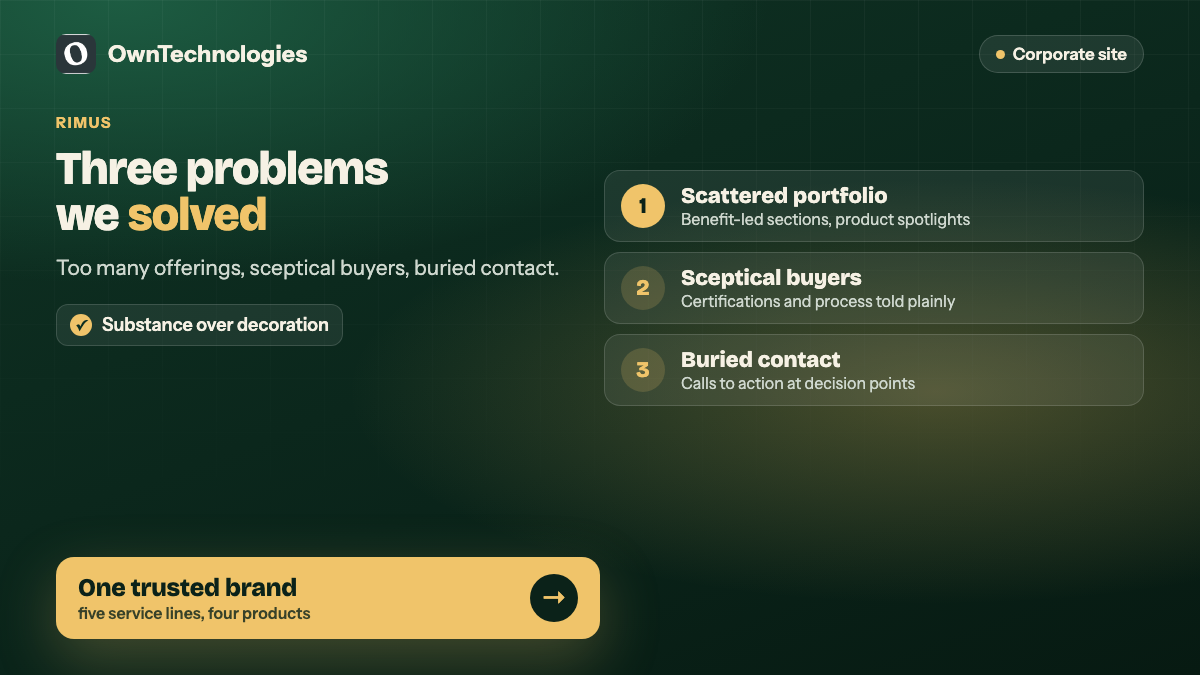
Five service lines and four products is a lot for one website. Without a clear hierarchy, a visitor sees a list of unrelated offerings and cannot tell what the company is actually best at.
**What we did:** benefit-led sections explain each service line (design and development, DevOps, offensive security, testing, consulting), and flagship products get their own spotlight with clear paths to learn more. Every offering sits visibly under one trusted engineering brand.
**The lesson for enterprise IT firms:** group your offerings by what the buyer is trying to achieve, then let each group lead to its own page. A buyer looking for penetration testing should reach the security page in one click, without reading about smartcard middleware first.
Challenge 2: Enterprise buyers expect substance, not decoration
Information security and enterprise IT buyers are sceptical by profession. They look for certifications, process and evidence of return on investment. Visual noise and vague claims make them leave.
**What we did:** certification, experience and process storytelling build credibility for enterprise conversations. The site walks through how projects run, from requirements to design, build and test, then deploy and support, so a buyer can picture working with the team.
**The lesson:** show your certifications early and explain what they mean for the buyer. ISO 27001, for example, is the international standard for information security management. Saying it is one thing; explaining that it means audited processes for protecting client data is what reassures a procurement team.
Challenge 3: Enquiries had to feel purposeful everywhere
On many corporate sites the only way to get in touch is a contact page buried in the footer. Enterprise buyers often decide to reach out while reading about one specific service, and if there is no obvious next step on that page, the moment passes.
**What we did:** responsive layouts and calls to action keep “start building”, “view services” and “get in touch” available at natural decision points across the site, not only on a single contact page.
**The lesson:** every service page should end with a specific next step for that service, such as booking a security assessment call or requesting a DevOps review, rather than a generic “Contact us”.
The outcome
RIMUS now has a sharp corporate site that explains enterprise IT and security capability quickly and invites serious conversations. Services, products and trust signals work together for sales and partnership outreach. You can see the project on our RIMUS Technologies portfolio page.
What every enterprise IT company website needs
Whether you run a managed services firm, a security consultancy or a product engineering company, these are the elements that earn their place:
| Element | Why it matters | What good looks like |
|---|---|---|
| Clear service hierarchy | Buyers arrive looking for one thing | Grouped service lines, one page each |
| Certifications explained | Procurement teams check them first | Logos plus a sentence on what each means |
| Delivery process | Reduces perceived risk | Four to six steps from requirements to support |
| Product pages | Products need their own story | Separate pages with use cases and a demo request |
| Case studies or client types | Evidence of real work | Named clients where permitted, industries where not |
| Specific calls to action | Turns reading into enquiries | One relevant next step per page |
| Fast, secure site | Credibility for a security-minded audience | HTTPS everywhere, quick loading, no broken pages |
That last point matters more for IT and security firms than for most businesses. A slow site, a mixed-content warning or an outdated plugin on a security company’s own website undermines everything it says. Our website security checklist covers the basics.
Writing for decision-makers, not engineers
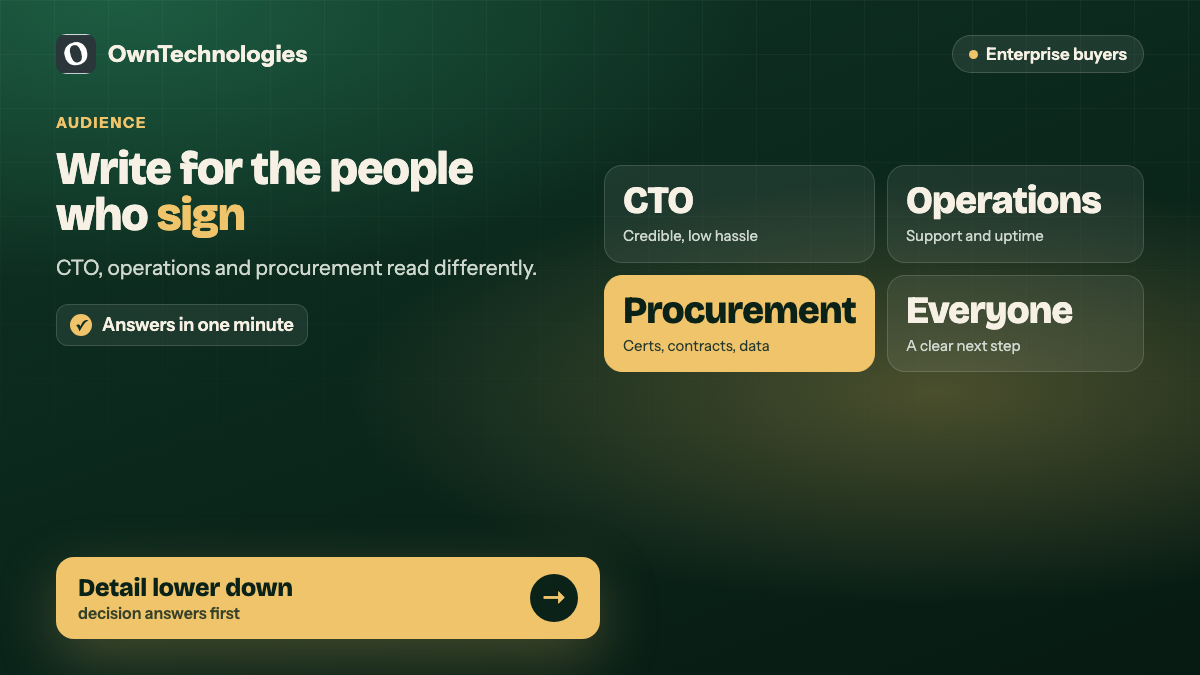
Enterprise IT sites often fail because they are written by engineers for engineers. The people who sign off on a contract are frequently a CTO, a head of operations or a procurement lead, and each cares about something different:
- **The CTO** wants to know the team is technically credible and will not create more work.
- **Operations** wants reliability, support hours and response times.
- **Procurement** wants certifications, contracts, data protection and a clear commercial model.
Write each service page so all three can find their answer within a minute. Technical detail belongs further down the page or on linked resources, not in the first paragraph.
How to tell whether the website is working
- **Enquiries by service line**, so you know which offerings the site actually sells
- **Quality of enquiries**: company size, role of the person, and how many become proposals
- **Time on service pages** compared with the homepage
- **Search visibility** for the services you most want to win, tracked in Google Search Console
- **Sales feedback**: whether prospects mention the website in first calls
Review these quarterly with the sales team. Pages that attract traffic but no enquiries usually need a clearer next step, not more content.
What an enterprise IT website costs
These are planning ranges for an experienced offshore or hybrid team.
| Scope | What it includes | Cost | Timeline |
|---|---|---|---|
| Corporate site refresh | New design and structure for an existing 10 to 20 page site | $4,000 to $10,000 (around 3.4 to 8.5 lakh INR) | 4 to 6 weeks |
| Full corporate site | Service hierarchy, product pages, case studies, CMS | $8,000 to $20,000 (around 6.7 to 17 lakh INR) | 6 to 10 weeks |
| Site plus client or partner portal | Above plus logins, documents and support requests | $20,000 to $45,000 (around 17 to 37 lakh INR) | 10 to 16 weeks |
For how these numbers are built, see our custom website development cost guide. If your current site has the right content but the wrong structure, website redesign vs rebuild helps you decide how far to go.
Frequently Asked Questions
A clear service hierarchy with one page per service line, certifications explained in plain language, a visible delivery process, separate product pages, evidence of real work, and a specific call to action on every page.
Group offerings by what the buyer is trying to achieve, give each group its own page, and keep everything visibly under one brand with consistent design and messaging.
Yes, and explain what each one means for the client. Procurement and security teams check certifications such as ISO 9001 and ISO 27001 early in their evaluation.
In 2026 a full corporate site with a service hierarchy, product pages and a CMS typically costs $8,000 to $20,000, and a refresh of an existing site $4,000 to $10,000, with an experienced offshore or hybrid team.
The RIMUS corporate website: benefit-led service sections, product spotlights, certification and process storytelling, and calls to action at natural decision points across the site.
Final Thoughts
An enterprise IT website wins when a sceptical buyer can see, quickly, what you do, why you are credible and what to do next. For RIMUS that meant a clear hierarchy across services and products, certifications and process told in plain language, and purposeful calls to action throughout. The same approach works for any IT, security or engineering firm with more to offer than one page can hold.
Planning a corporate website for an IT or technology company? Our website development team builds enterprise sites, our SEO team helps them rank for the services you want to win, and our CRM team builds the client portals behind them. Book a free consultation and we will review your current site with you.